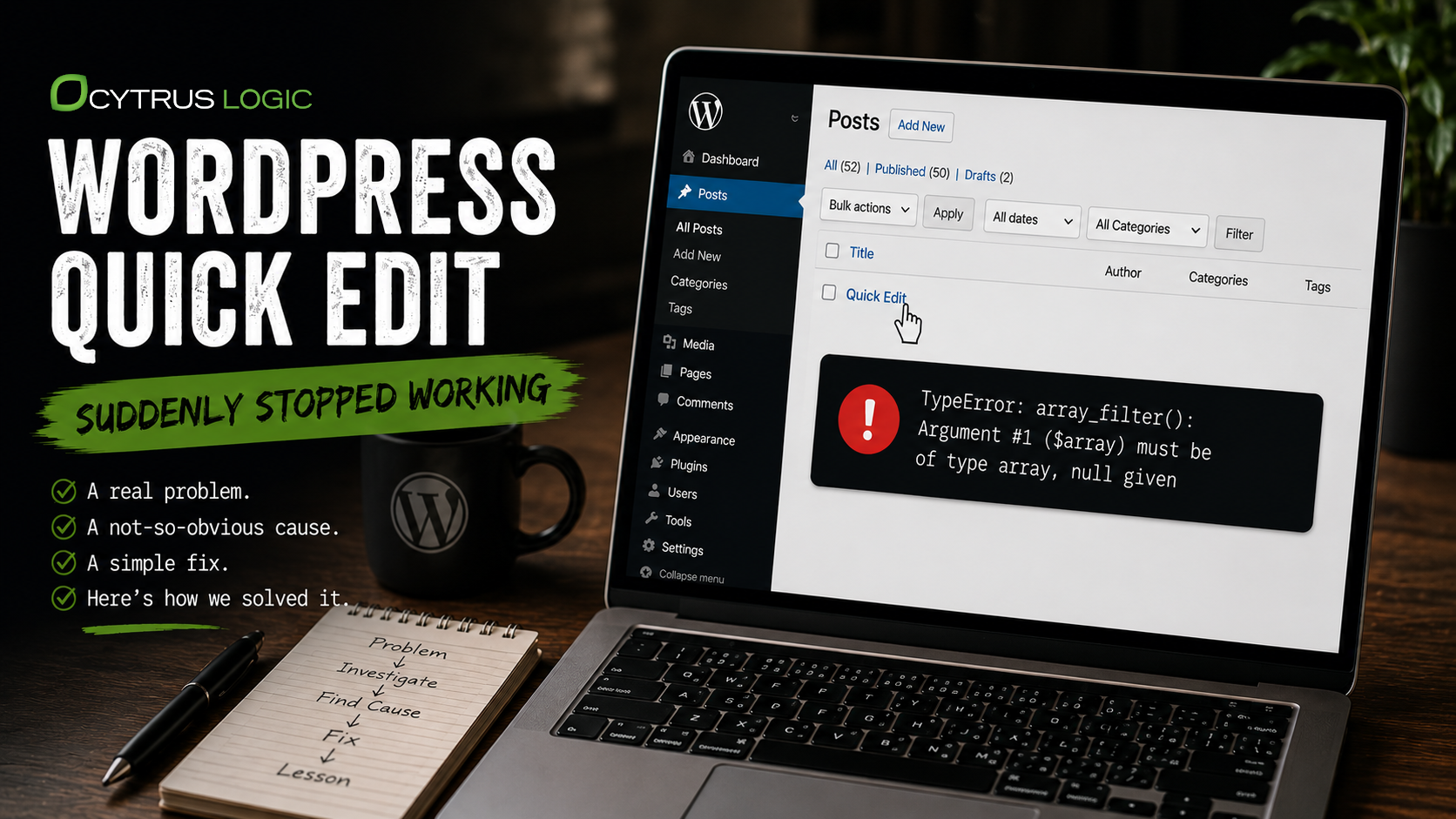
I recently ran into a strange problem with WordPress. Quick Edit stopped working. I could click the Quick Edit link but nothing would happen.
My first thought was that it was a JavaScript problem. I opened the browser console and sure enough, inlineEditPost was undefined. That seemed pretty conclusive. WordPress wasn’t loading the JavaScript that makes Quick Edit work.
So I started looking for the problem. I checked the theme. I searched through the plugins to see if something was removing or deregistering the script. I disabled all of the plugins. Nothing. Quick Edit was still broken.
The JavaScript Wasn’t the Problem
At that point I started looking at WordPress itself. I found that wp-admin/edit.php was actually calling the function that loads the Quick Edit script:
wp_enqueue_script( 'inline-edit-post' );So that was strange. WordPress was telling the script to load, but the browser wasn’t seeing it.
I added some logging to WordPress to see what was actually happening. The script was there. It was being added to the script queue. So the problem wasn’t really the JavaScript after all. Something else was happening when WordPress was building the Quick Edit interface.
Following the Error Into WordPress
I went back to the PHP logs and finally found the real error:
TypeError: array_filter(): Argument #1 ($array) must be of type array, null givenThe error was coming from WP_User_Query. That didn’t seem to have anything to do with Quick Edit until I followed the error through the stack. Quick Edit uses a user query to populate the author information, so WordPress was actually crashing while it was generating the Quick Edit form.
Now I had to figure out what was being passed to array_filter() that wasn’t supposed to be there.
I looked at the WordPress roles on the site. The normal roles were fine. Administrator was an array. Editor was an array. Author was an array. Everything looked normal.
The Real Problem Was Old Data
Then I found these two:
marketing-agencies: NULL
general: NULL
That was it.
Both of these were old roles left behind by a plugin that I had removed from the site a long time ago. The plugin was gone, but the roles were still sitting in WordPress. And for whatever reason, their capabilities had been saved as NULL instead of an array.
Normally I probably wouldn’t have thought twice about two old roles sitting in the database. But WordPress was trying to process those roles when it built the Quick Edit interface, and PHP didn’t like what it found.
Removing the Leftover Roles
I removed the two old roles:
remove_role( 'marketing-agencies' );
remove_role( 'general' );
I went back to the Posts page, clicked Quick Edit and it worked.
The Problem Wasn’t Where It Appeared
The interesting thing about this problem is that I spent quite a bit of time looking at JavaScript when the JavaScript wasn’t really the problem. WordPress was loading the script. The problem was buried in some old data that had been left behind by a plugin that wasn’t even installed anymore.
This is something that happens with systems that have been around for a long time. We tend to think of software as being the code that is currently installed. But that’s only part of the system. There is also all of the data, configuration and state that has accumulated over time.
A plugin gets installed. It creates something in the database. Later the plugin gets removed. The code disappears but the data doesn’t necessarily go with it. Eventually something completely unrelated comes along and trips over it.
In this case it was Quick Edit. Two old WordPress roles with bad data were enough to break it.
It was a good reminder that when something doesn’t make sense, the problem isn’t necessarily where the error appears. Sometimes you have to follow the entire system to find it.